 24/7 Technical Support
 Deals & Coupons
 My Account
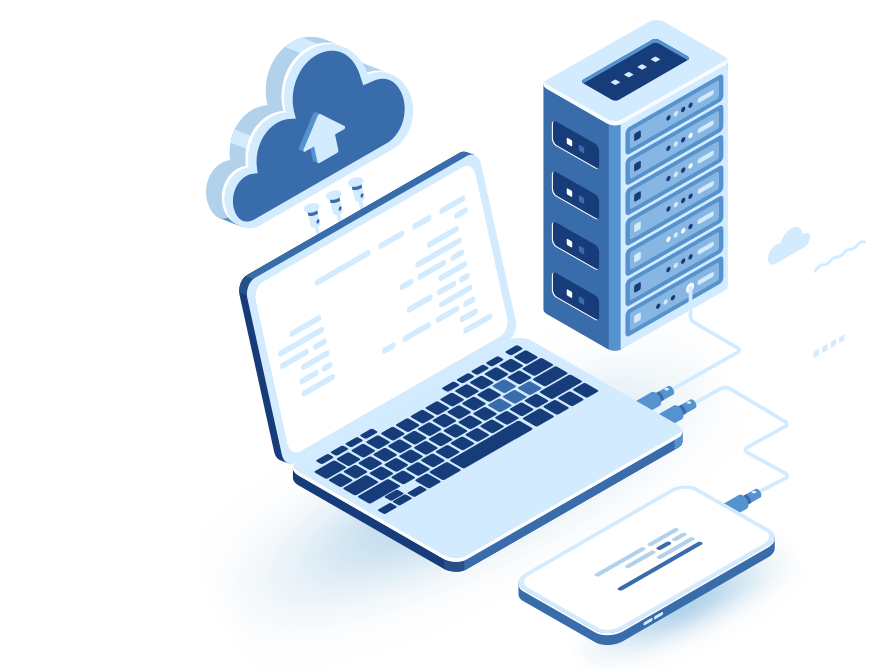
"Cloud computing"
- is a solution that lets you use processing and computing power over a private or public network. A cloud computing provider owns cloud systems that provide services to others on a regular and continuous basis. A consumer or user is a company of any kind that uses a provider's cloud computing service.
Benefits of Cloud Computing
- Savings on purchasing and maintaining hardware – the user does not need to buy hardware, saving purchase and maintenance costs, electricity costs and the cost of space to install the hardware.
- Savings on staff costs for maintaining and operating infrastructure systems in the data center – operation and maintenance of the infrastructure are performed by the cloud provider's experts.
- Flexible use of resources – a cloud solution lets the user define hardware requirements that fit their current needs. If and when they need more resources, they can get them immediately. This is different from working in the customer's own data center, where purchasing computing resources from hardware vendors is a long process, so capacity planning must be done in advance and hardware ordered accordingly. Besides the difficulty of responding quickly to unexpected situations affecting the required capacity, capacity planning must cover peak resource consumption. As a result, in periods without peak load, resource utilization is low. In a cloud provider's data center, the user can adjust their computing capacity according to the load. The cloud provider can manage the resources in its data center efficiently, because the load periods of different organizations differ.
- Scalability – cloud computing allows much greater growth in system volumes and users, provided that the communication bandwidth from the customer's site to the cloud allows it.
- Green computing – a cloud solution contributes to lower energy consumption and less environmental damage thanks to the higher efficiency of working on cloud infrastructure.
About the Cloud Computing Solution
- As a market leader in computing infrastructure, DNS Cloud is focused today on the next challenge: leading the hottest field today – providing a wide range of cloud computing services. As part of the solution, DNS Cloud provides a wide range of cloud services in various areas, including business continuity, infrastructure as a service, and building computing infrastructure for software-as-a-service providers in the cloud. DNS Cloud's cloud solution is spread over three different physical facilities and built on technologies from the world's leading hardware and software vendors, combined with extensive knowledge accumulated in hundreds of computing infrastructure, virtualization, backup site and private cloud projects for our customers. DNS Cloud has carried out more than a hundred private cloud projects for its customers; about fifty production customers chose DNS Cloud to run all their computing infrastructure (servers, storage, backup, backup site, communication and information security) in the DNS Cloud cloud, and about thirty customers chose DNS Cloud to run a backup site for them managed on cloud infrastructure.
Cloud Computing for IT Infrastructure
- Our cloud solution for IT infrastructure lets customers move their entire server room to the cloud. It includes computing power to run virtual servers – with no limit on the number of servers and no license purchases by the customer – storage with advanced data protection and fast restore, off-site disk backup with an option for tape backup shipped to the customer's site, a fast communication line providing a user experience identical to a local network, remote access infrastructure for users, and information-security systems such as a dedicated firewall and email and web filtering.
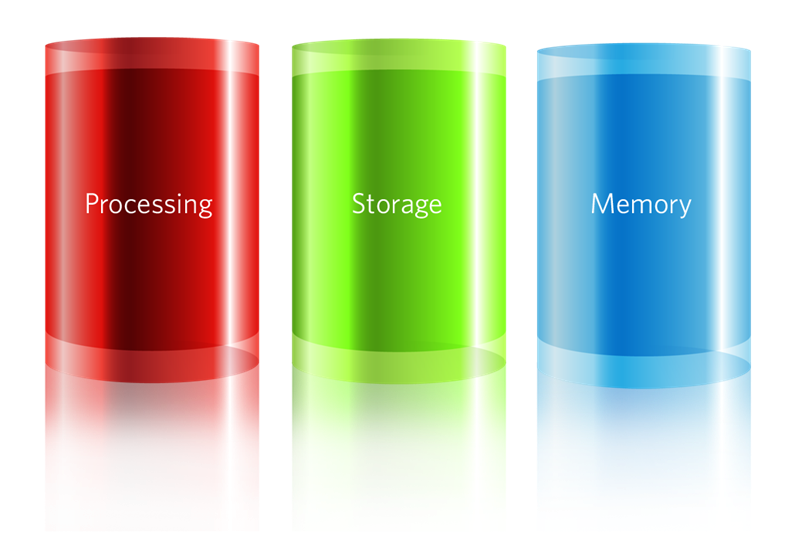
Benefits of Cloud Computing for IT Infrastructure
- There is no change in how end users work – the move to cloud infrastructure is transparent to users and does not change work habits.
- Computing systems move as they are to the cloud without reinstallation (email system, file services, etc.); the customer manages the operating systems and applications in the cloud just as they did on the local network.
- High bandwidth to the facility provides a local-network user experience while physically separating customer access to the facility.
- The solution includes daily synchronization of all data outside the main cloud facility to a backup site (included in the price), and monthly backup tapes with the data can also be sent to your office.
- The cloud solution improves data availability – every piece of information on the network (user files, email items, databases) can be restored within five minutes regardless of the size of the restored data.
- The agreement takes effect only after all systems have fully moved to the cloud services (and payment accordingly, only after full migration). You can receive credit for all the equipment in the server room (servers/storage/switches).
- Moving to a fixed monthly payment for computing expenses.
Cloud Computing for a Managed Backup Site
- A managed backup site service on cloud infrastructure lets an organization set up a complete disaster recovery solution (DR and BCP). When activating the service, the customer defines together with DNS Cloud experts the required RTO and RPO and the list of systems/services that need the solution. Resources are then allocated at the backup site on cloud infrastructure according to the user's requirements. The solution includes two full disaster recovery drills a year (without shutting down production systems) and the provider's commitment to recovery time and data freshness at the backup site. The cloud services include everything needed to run a full backup site – computing power to run the customer's servers in an emergency, storage at the facility including continuous data synchronization between the customer's site and the cloud, communication infrastructure for data synchronization, emergency remote connection infrastructure for our customers, physical workstations at the facility, a firewall and internet access to run external services in an emergency.
Benefits of Cloud Computing for a Backup Site
- Setting up a backup site solution without significant setup costs – no need to buy equipment (servers, storage system and communication equipment) for the backup site, and no need to rent space for the systems.
- The provider commits to recovery time (RTO) and data freshness (RPO).
- Continuous monitoring of data synchronization and data freshness at the backup site managed on the
- cloud infrastructure – monitoring, control and maintenance by the provider instead of local maintenance in "spare time" when building a local backup site
- Performance identical to the computing infrastructure at the production site – the customer does not need to compromise on performance, as is usually the case with local backup site solutions.
- Two full recovery tests a year at the backup site – without shutting down systems at the production site.
- A dynamic disaster recovery solution that does not depend on the version of operating systems, applications and updates/upgrades performed at the customer's production site.
- The backup site includes a firewall and internet access (for external services) with no fixed payment from the customer.
SaaS – Building Software-as-a-Service Infrastructure in the Cloud
- Recently, many software vendors have been considering moving to software-as-a-service on cloud infrastructure. Sometimes the demand comes from customers and sometimes from the software vendor, who understands the many benefits of running software as a service in the cloud: stable revenue flow over a long period, a short sales and installation process, and economies of scale (since serving many organizations lowers costs for buyers).
- Delivering cloud computing through software vendors lets them give customers flexibility and minimize software purchase and operating costs.
- A cloud software vendor can offer its services (on a pay-per-use model) also to customers who could not afford to buy the software due to the total costs required to run it. One of the main building blocks of cloud computing is the computing infrastructure. Cloud computing infrastructure includes virtual infrastructure of servers and/or endpoints, storage and data backup systems, communication and internet access infrastructure, and information-security systems. In addition, to provide a complete solution, this infrastructure includes a customer access portal for opening service requests, ordering services, paying for them and more.
- As with any building, the foundations – the cloud infrastructure – are the most important part. Computing infrastructure is not the core business of a software vendor offering a SaaS service, so the knowledge and expertise needed to build the cloud infrastructure are not in the customer's hands.
- DNS Cloud recently announced a new cloud infrastructure service that lets a SaaS provider set up software-as-a-service infrastructure in the cloud within a short time and without the significant financial investment usually required. The SaaS provider can enjoy a stable, reliable computing infrastructure with appropriate availability, resilience and security. We also let the software vendor use a rich user portal that allows its customers to order services, open service requests and pay for them. The solution shortens the setup time of the required service from many months to a few weeks, and lets the SaaS provider benefit from the potential customer base that already exists at DNS Cloud and offer it its services. The revenue model is shared and takes into account the low revenue expected in the first stage.
How do you get started with DNS Cloud's cloud computing solution?
- As a first step to moving to cloud infrastructure, it is right to perform a technical feasibility and economic viability check of the offered cloud services and make sure that moving to the cloud saves costs and provides better flexibility and quality than the traditional setup. First, a feasibility survey is performed to examine moving to cloud services. The survey lets our customers examine moving to the cloud. During the review, the cloud solution is planned for the customer, the required cloud services are defined, and the solution is presented to the customer together with the migration process – including a return-on-investment calculation. The process is free of charge for the customer.
- Usually there are savings of about thirty percent on average as a result of moving to cloud services. It is important to note that cloud infrastructure includes benefits that cannot be measured in direct cost, such as higher service availability, better performance and fast data restore.
 Talk to Us
Chat with us on WhatsApp
For orders and sales we are available on WhatsApp, Sunday–Thursday, 9:00 AM to 6:00 PM (Israel time). On Fridays, Saturdays and holidays, please use the support center on our website. Phone: +972-79-5599455
© 2001 - 2026 DNS CLOUD. All rights reserved.